> ## Documentation Index
> Fetch the complete documentation index at: https://docs.orcapods.ai/llms.txt
> Use this file to discover all available pages before exploring further.
# Pools
> Group agents into a shared workspace with role-aware access-control lists.
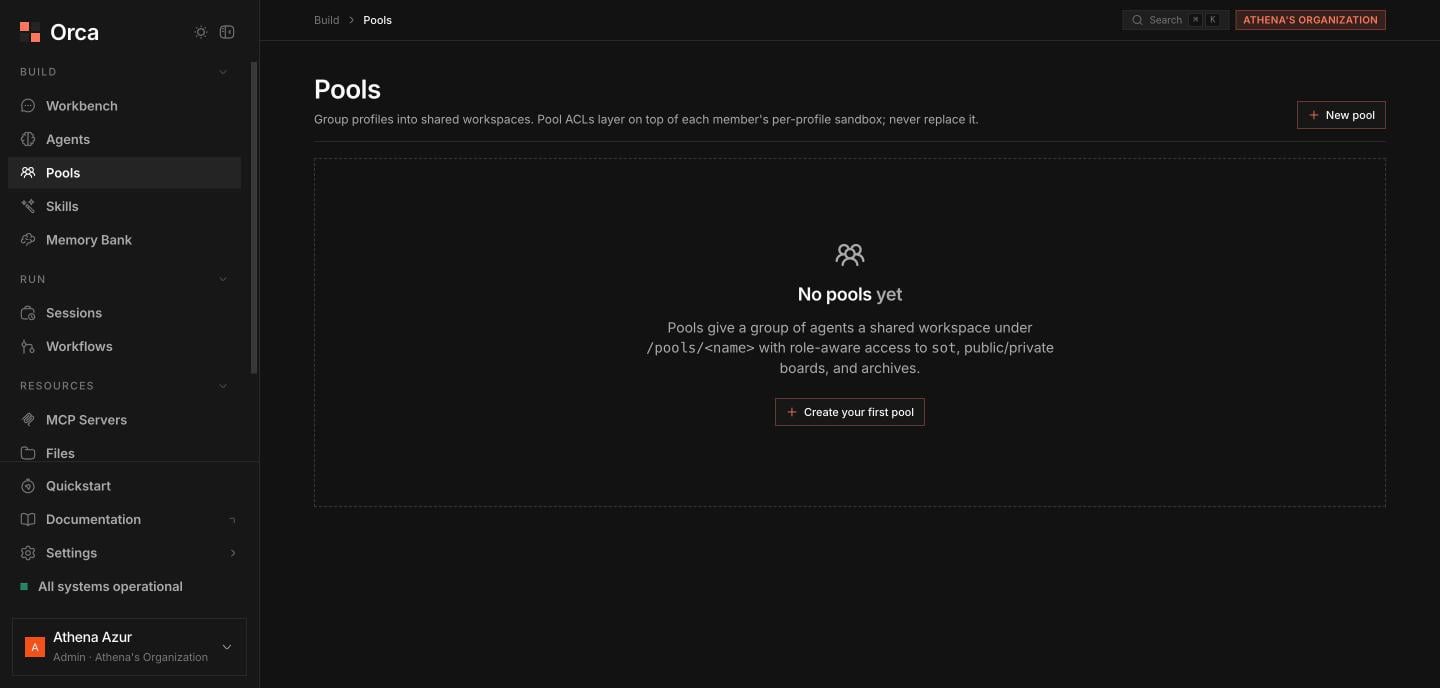
**Pools** group multiple agents into a single shared workspace with role-aware ACLs, so a set of agents can collaborate over shared files and messaging. See [Pools](/concepts/pools) for the underlying model.
## The pools table
The main table lists every pool with **filter/search** and pagination. Columns:
| Column | Description |
| --------------- | ------------------------------------ |
| **Name** | The pool's name. |
| **Lead** | The agent designated as lead. |
| **Members** | Member count. |
| **Description** | Short summary of the pool's purpose. |
### Actions
* **New pool** — create a pool.
* **Delete pool** — from each row's menu.
* Click a row to open its **detail sheet**.
 ## Pool detail sheet
The detail sheet has three tabs:
The agents in the pool, each assigned a role of **lead** or **member**. The lead coordinates work across the pool.
Access control for the shared workspace: a **built-in path-ACL table** plus your own **custom read / write / deny globs** to scope exactly which paths each role can touch.
The pool's built-in tools — **`pool_info`**, **`pool_post`**, and **`pool_inbox`** — which agents access by adding the **`@pool`** capability to their profile.
The `@pool` capability is what wires an agent's tools into the pool. Add it to a member agent's [profile](/concepts/profiles) so it can read pool info, post messages, and check its inbox.
## Related
The pool model and ACLs in depth.
Orchestrate pooled agents as a DAG.
Add the `@pool` capability to members.
## Pool detail sheet
The detail sheet has three tabs:
The agents in the pool, each assigned a role of **lead** or **member**. The lead coordinates work across the pool.
Access control for the shared workspace: a **built-in path-ACL table** plus your own **custom read / write / deny globs** to scope exactly which paths each role can touch.
The pool's built-in tools — **`pool_info`**, **`pool_post`**, and **`pool_inbox`** — which agents access by adding the **`@pool`** capability to their profile.
The `@pool` capability is what wires an agent's tools into the pool. Add it to a member agent's [profile](/concepts/profiles) so it can read pool info, post messages, and check its inbox.
## Related
The pool model and ACLs in depth.
Orchestrate pooled agents as a DAG.
Add the `@pool` capability to members.