> ## Documentation Index
> Fetch the complete documentation index at: https://docs.orcapods.ai/llms.txt
> Use this file to discover all available pages before exploring further.
# Memory Bank
> Browse, search, and manage the memories agents write at runtime.
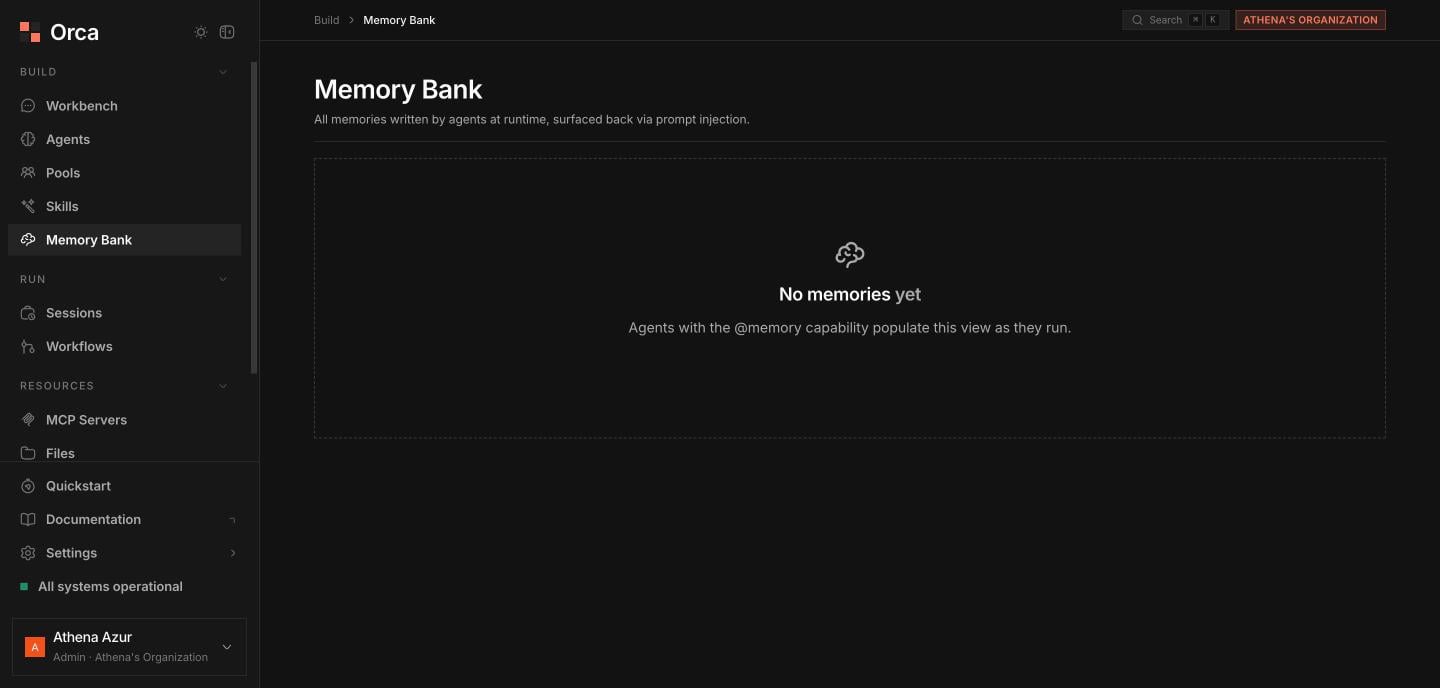
The **Memory Bank** collects every memory your agents write at runtime. These memories are surfaced back to agents through prompt injection, so they carry context and preferences across sessions. See [Memory Bank](/concepts/memory-bank) for how memories are formed and injected.
The Memory Bank requires object storage. On self-hosted deployments without object storage configured, the screen shows a **"not configured"** state instead of the table.
## Browsing memories
* **Search** filters memories by text.
* A **category** segmented filter narrows to one type: **preference**, **fact**, **behavior**, **context**, or **general**.
The paginated table columns:
| Column | Description |
| --------------------- | ------------------------------------------------- |
| **Agent** | The agent that wrote the memory. |
| **Content / Summary** | The memory text or its summary. |
| **Category** | preference / fact / behavior / context / general. |
| **Staleness** | How stale the memory is. |
| **Confidence** | Confidence signal. |
| **Access count** | How often it's been retrieved. |
| **Created** | When it was written. |
You can **delete** any memory from its row.
 ## Memory detail sheet
Open a memory to inspect it in full:
* **Processed content**, **summary**, and the original **raw input**.
* **Signal metric cards** for **confidence**, **staleness**, **accessed** count, and **version**.
* **Metadata** and the **raw JSON**, each with **copy** buttons.
## Related
How memories are formed and injected.
See per-agent memories in the agent detail sheet.
## Memory detail sheet
Open a memory to inspect it in full:
* **Processed content**, **summary**, and the original **raw input**.
* **Signal metric cards** for **confidence**, **staleness**, **accessed** count, and **version**.
* **Metadata** and the **raw JSON**, each with **copy** buttons.
## Related
How memories are formed and injected.
See per-agent memories in the agent detail sheet.